
Logo at top in the iPhone 14 Pro view, shows up a bit blurry compared with what I actually see on my phone.
Logo at the top in the iPhone 14 Pro view, shows up a bit blurry compared with what I actually see on my phone.
See these screenshots.
This is what I see on my iPhone 14 Pro: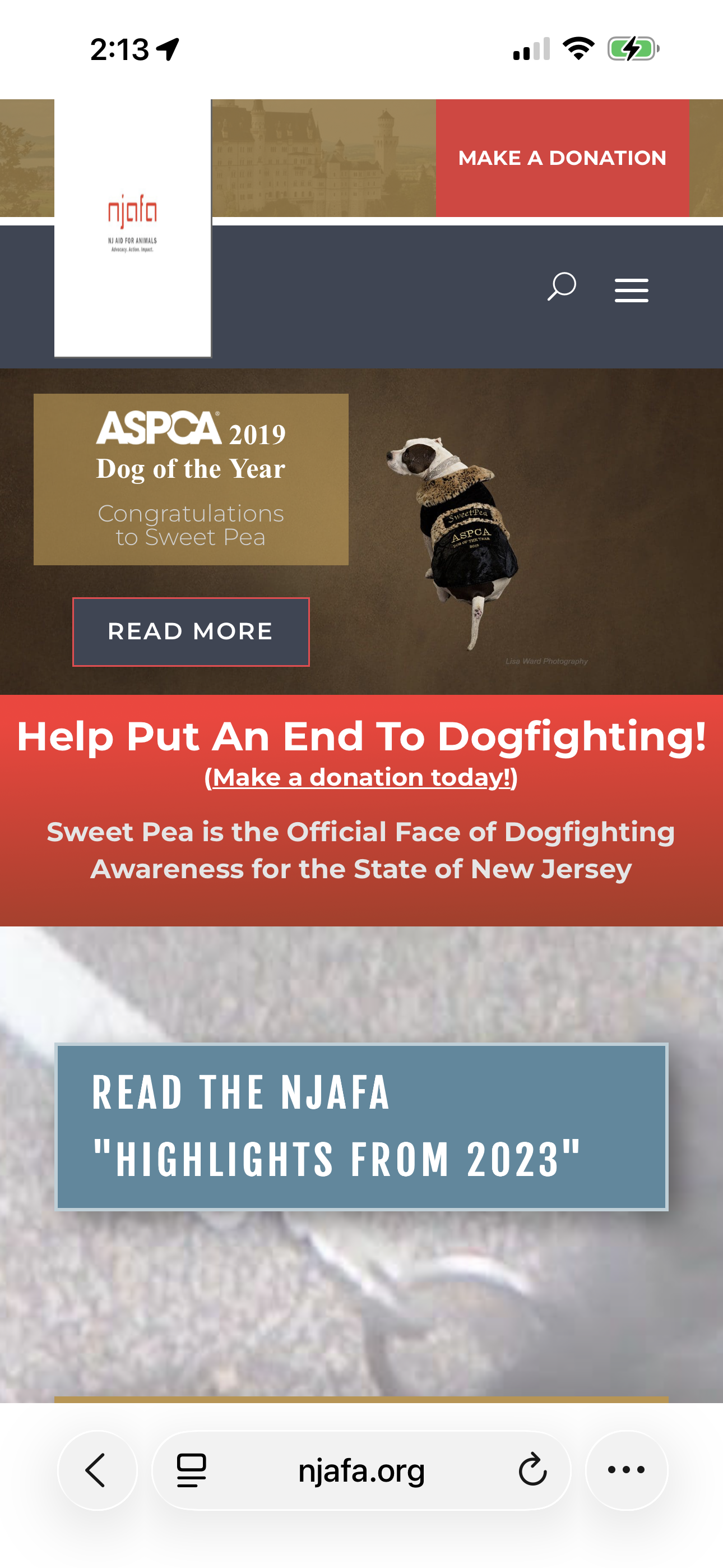
Here's what I see using Pixefy on the left, when previewing it as from an iPhone 14 Pro. Here's that screenshot.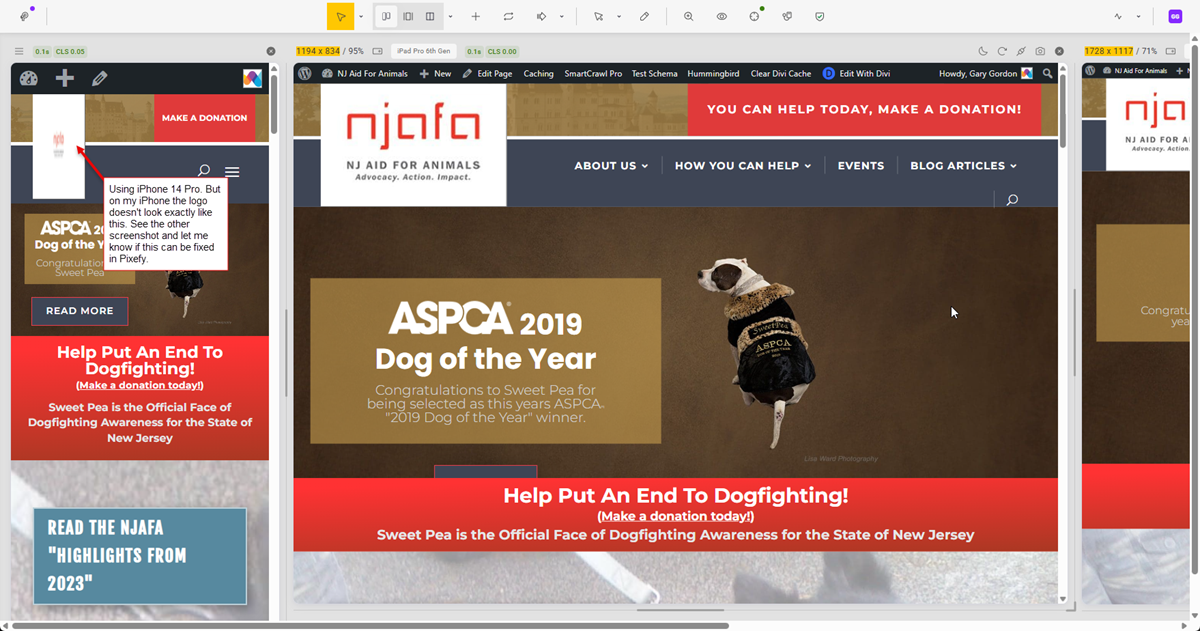
Here's a link to a short video that shows how the logo (in the top left) comes in a bit clearer at the start and then gets blurrier.
I tried clearing the cache in my Chrome browser, but it didn't resolve anything.
Just not sure if it's me or Pixefy.
If you have any thoughts or suggestions, just let me know. All I did was go to the page https://njafa.org. And then clicked to open Pixefy. And I set the phone on the left to iPhone 14 Pro. I didn't make any other changes.
Please let me know what you think is causing this.
Thanks,
Gary Gordon
3 Comments
Sign in to comment
Sorry. Forgot to include the link to the short video. Here it is: https://app.screencast.com/ynXO6bmDHXHjw
I’m closing this down, because it’s related to the website itself, not to Pixefy.
Thanks. Yes. Not Pixefy.